The history of EmpTech goes back a long way and the team has dispersed to take up different jobs. However, we are keeping this site because it has happy memories linked to Assistive Technology and we still have the same aims in life about supporting technology that works for everyone.

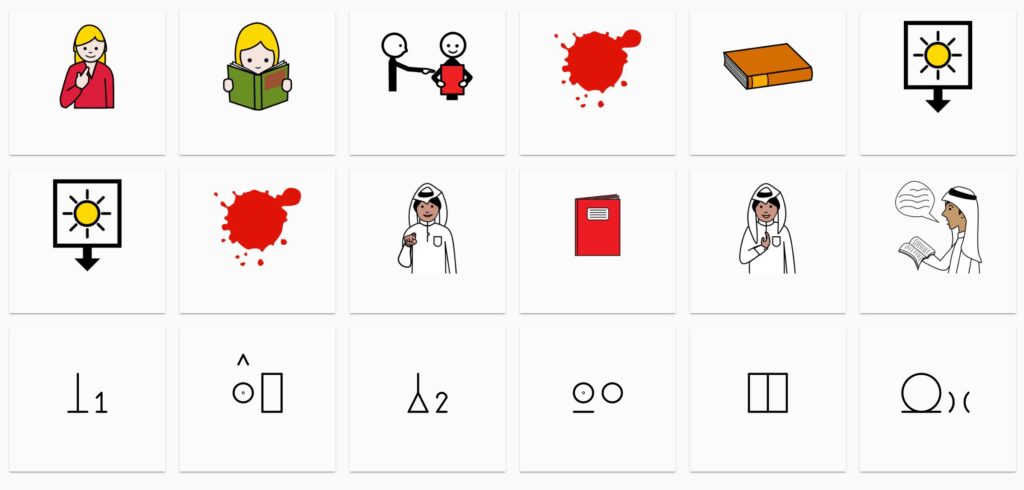
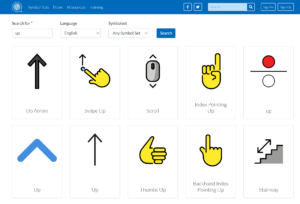
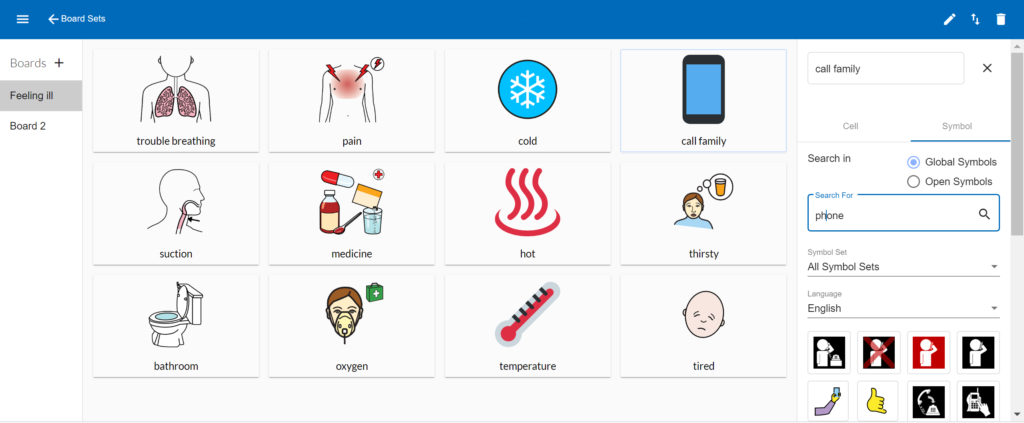
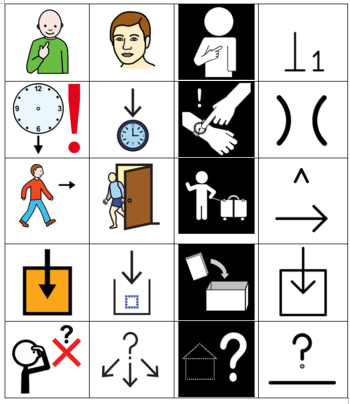
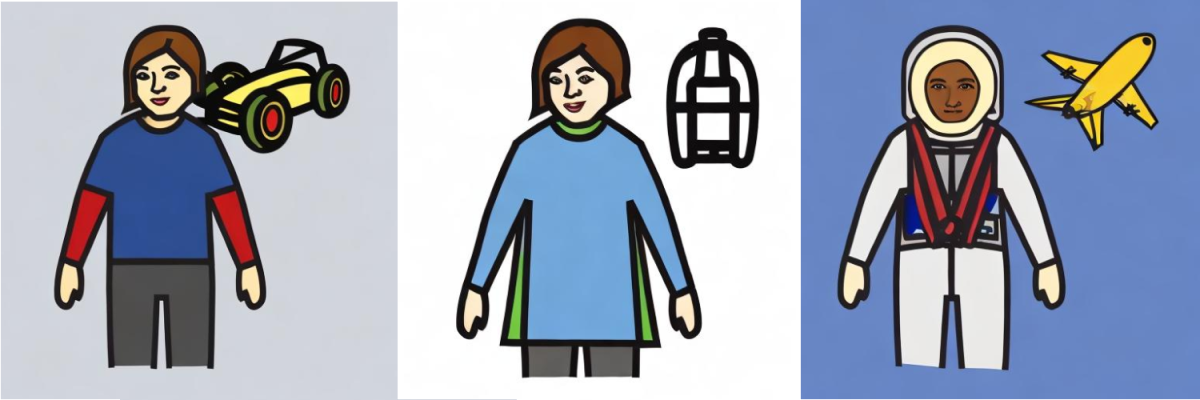
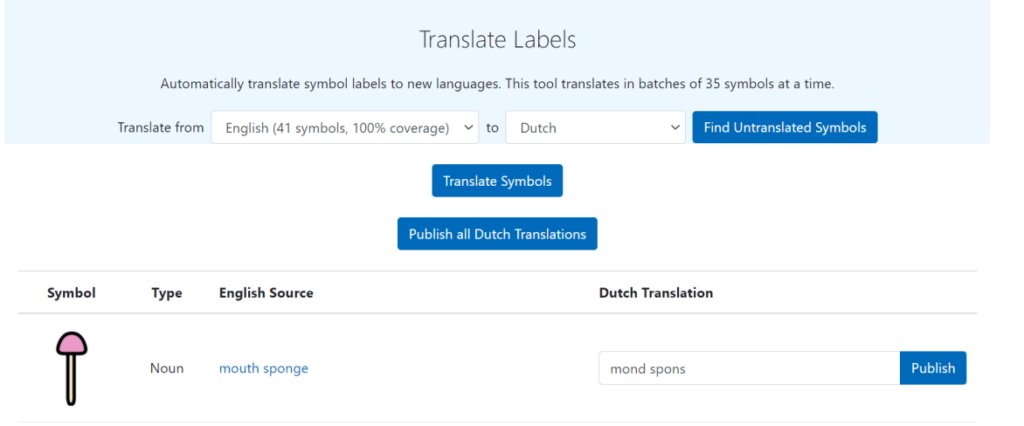
One project involves the development of Global Symbols. It has a repository of professionally designed communication symbols for education, healthcare, and accessibility. The number of symbol collections is growing as you can design new symbols with AI-powered tools that adapt to your specific needs and cultural contexts. It is also possible to edit them using Symbol Designer and create custom communication charts using Board Builder.

Content offered on the Global Symbols Moodle site is free and has a Creative Commons Licence. In order to access the training resources and activities please create an account.

Developed in Partnership with UNICEF
Courses based on themes
AAC Training (6) – Trening o PK na hrvatskom (8) – AAK Trening Srbija (8)
Courses based on prior skill / knowledge levels
AAC Guided Pathways (3) – Пътеводител на ДАК (5) – Патоказ кон ААК (3)
Extra Resources and Instructions
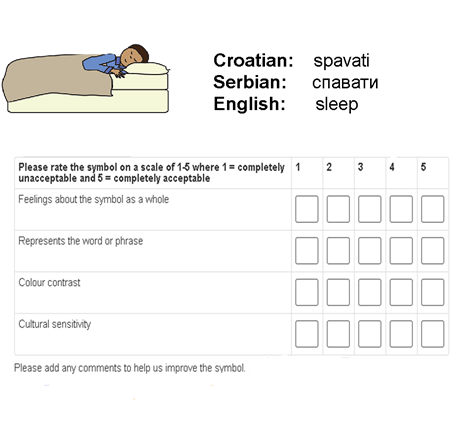
AAC Resources & Board Builder (1) – Symbol Voting Instructions (en, hr, sr) (3)

Supported by a Churchill Fellowship COVID-19 Action Fund
Communication using Symbols – A Carer’s Training Pack (1)
One module about Communication using Symbols with five steps that can be dipped into at any stage and need no prior knowledge. They include:
- How we communicate – Managing conversations – Finding the right words and images – Adapting images and symbols for each individual – Creating opportunities to encourage conversations.
There are some activities, case studies and examples of communication boards and information charts with most steps and the entire Carer’s Training Pack can be downloaded
- Communication with Symbols – A Carer’s Training Pack (PowerPoint Slides – trainer script in speaker notes)
- Communication with Symbols – A Carer’s Training Pack (PowerPoint Slides – trainer script in speaker notes and hidden activity symbols revealed for printing.)
- Communication with Symbols – A Carer’s Training Pack (PDF format for printing – toggle to see trainer annotations)
- Board Builder Instructions (Microsoft Word document)
- Symbol Creator overview (PowerPoint Slides)
- Board Builder using different hair and skin tones (PowerPoint Slides)

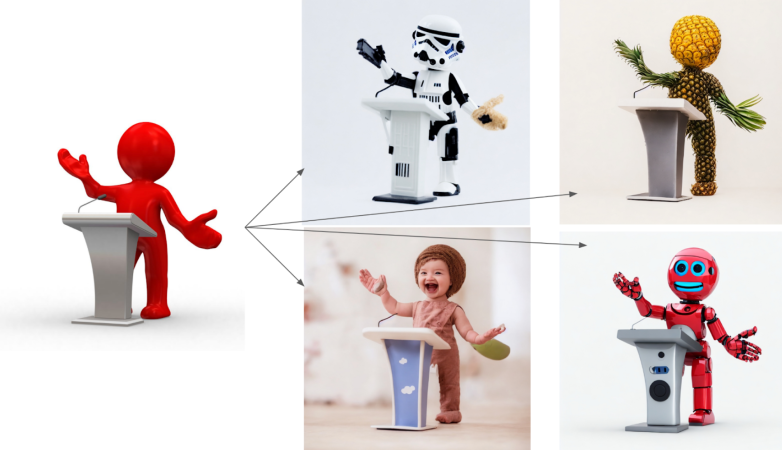

 Over the last year there has been an increasing amount of projects that have been using machine learning and image recognition to solve issues that cause accessibility barriers for web page users.
  The same can apply to online lectures provided for students working remotely. Live captioning from the videos are largely provided via automatic speech recognition. Once again a facilitator can be alerted to where errors are appearing in a live session, so that manual corrections can occur at speed and the quality of the output improved to provide not just more accurate captions over time, but also transcripts suitable for annotation.